
The Smartsheet Email Upgrade Your Team Has Been Waiting For
You’ve spent time crafting the perfect solution in Smartsheet, only to find the email notifications aren’t up to the task because you can’t:
- Format the automated emails
- Add row attachments
- Send emails from your company email domain
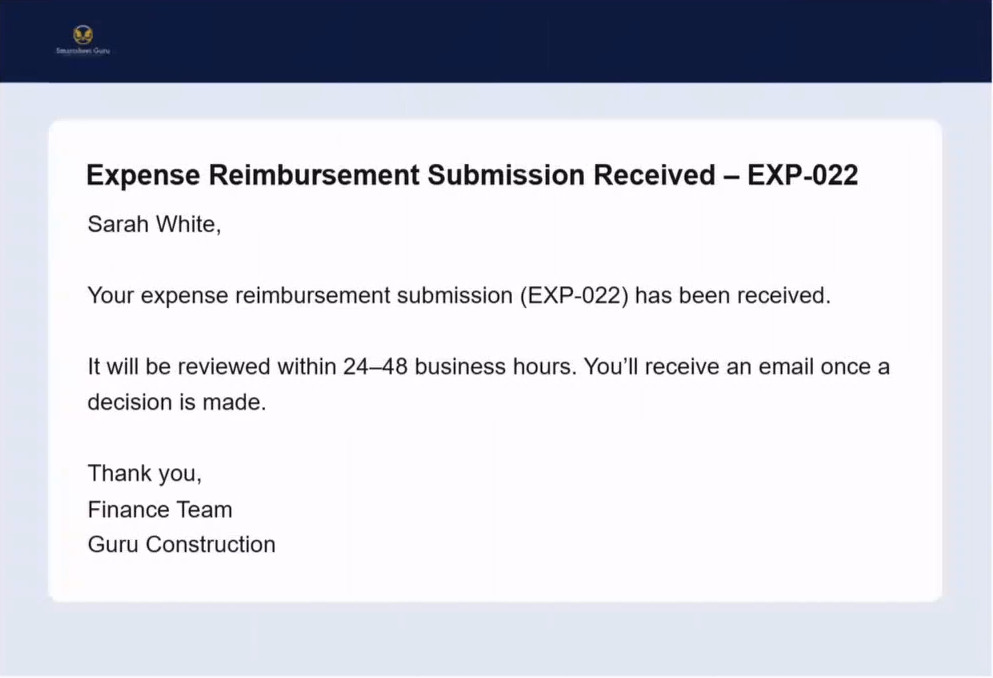
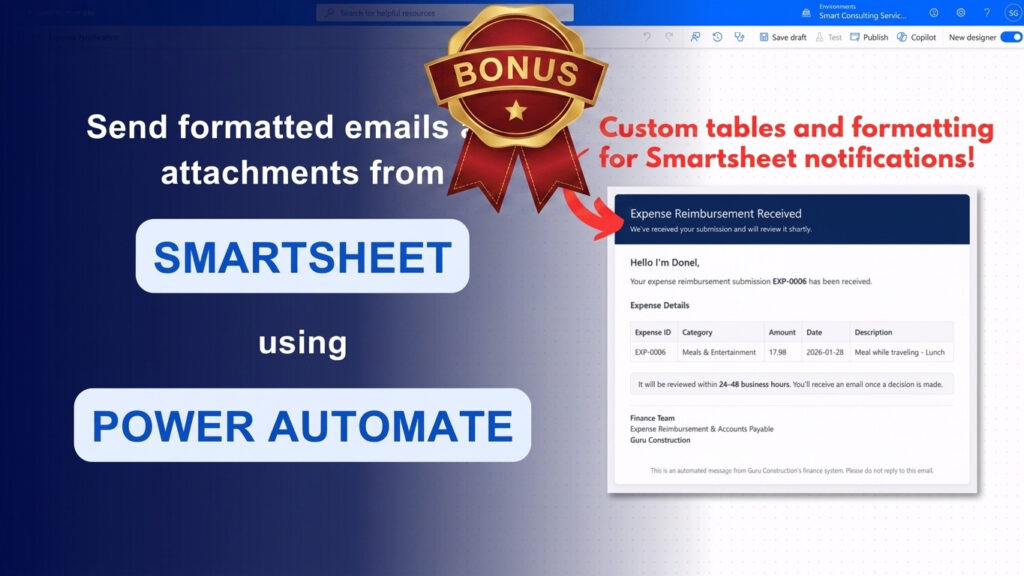
How would you like to transform your Smartsheet email notifications from this:
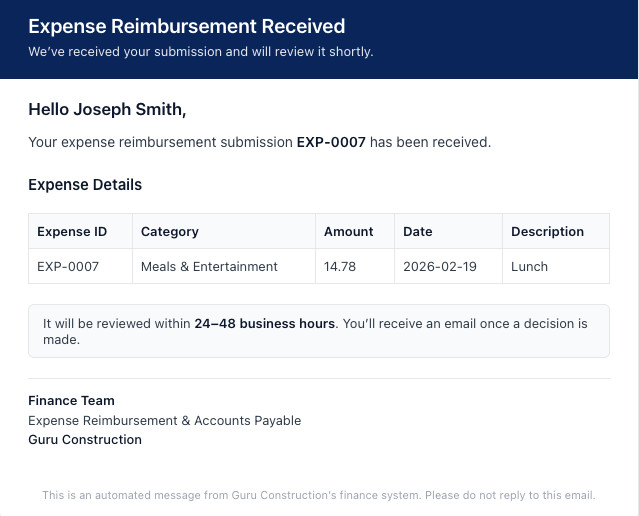
To THIS:
You’re not alone in your search to add attachments to Smartsheet notifications format them better. The Smartsheet community is full of these discussions, and our group, the Smartsheet Guru Elite, has discussed this topic more than once. If you stay bounded by artificial limits you won’t achieve these improvements, but you CAN send formatted automated email notifications from Smartsheet, along with row attachments. Beyond that, you can also send from an email address of your choosing on your company’s domain.
All it takes is a Microsoft Power Automate flow and a little time to learn. The course, Customize Smartsheet Automation Email Notifications and Send Attachments with Power Automate, was created to show you how you can easily do this.
In fact, the video content of this course is less than 90 minutes, and after completing the hands-on lessons, you’ll have a Power Automate flow sending emails from your Outlook email inbox.
And it won’t just be a plain email, but a professionally formatted email like the one shown above. In fact, you’ll get what you need to make that exact email, but more than that, you’ll learn how to leverage AI to create your own formatting.
Don’t worry if you’ve never used Power Automate before!
Each step is clearly explained so you can follow along in your own Smartsheet and Power Automate environment and actually implement what you learn. Downloadable assets are included to save you time and help you move faster.
Course Syllabus
Lifetime Course Access
$50
Launch BONUS
Enroll by 29-MAY-2026 and you’ll receive these 4 bonuses!

1 month FULL membership to the Smartsheet Guru Elite delivered immediately! Includes 3 live group sessions, access to all previous sessions, and the inner circle for a month. $149 Value
⭐ You will NOT be enrolled in a recurring subscription, this is a month trial with NO obligation to continue
Q&A session on 3-JUN-2026 at 9:00 AM US Pacific Daylight Time. Can’t make it? It’s ok, you’ll be able to submit questions beforehand, and access the recording. I’ll answer your question, even if you aren’t on the session! $49 Value
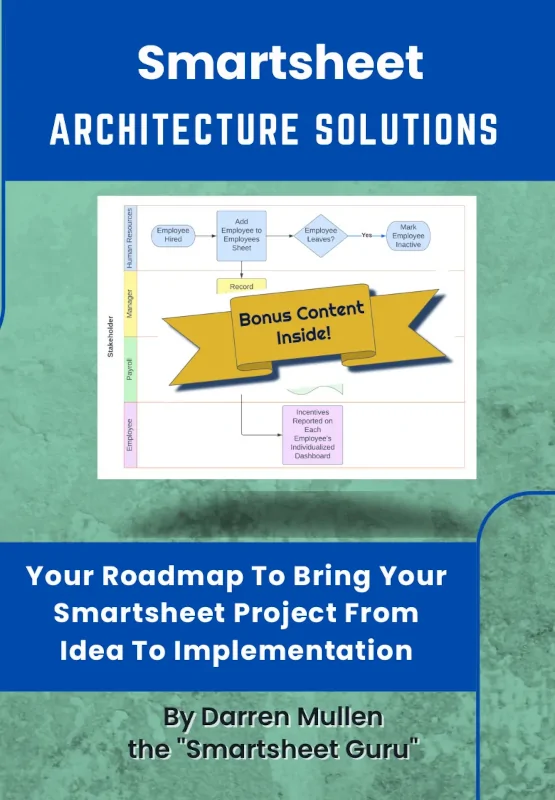
Smartsheet Architecture Solutions: Your Roadmap to Bring Your Smartsheet Project From Idea to Implementations eBook + automatic enrollment in the associated bonus content. $9.99 Value
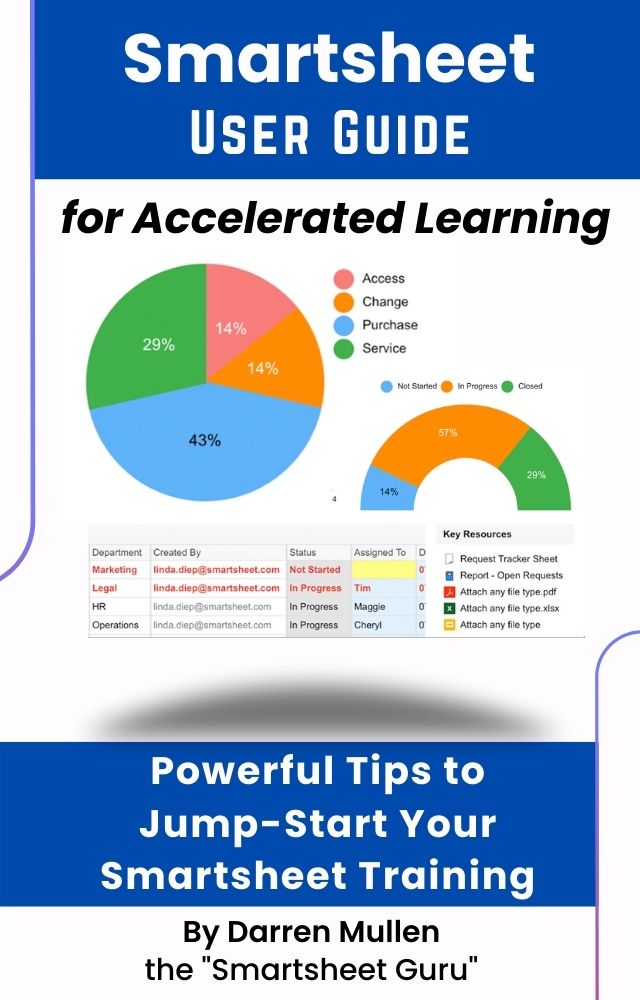
Smartsheet User Guide for Accelerated Learning eBook. $3.99 Value
Cost of Course: $50
Value of FREE Launch Bonus: $211.98
Hear From Our Previous Students
★★★★★
Great course – so easy to follow up
This was an excellent course. I didn’t know much of anything about Power Automate and was able to easily follow up and paused the recording as I needed to. I wouldn’t let that deter anyone who is comfortable using Power Automate – it sounded like the information was geared to all levels, which is no easy feat. The interface was very easy to use. The checklist was helpful. Well worth the few $$ to take it. I’ll be taking more of their courses in the future if they continue to offer them!
Jennifer Hill
Meet the Creators of this Course

Darren Mullen
Instructor
Darren is the founder of Smart Workflow Guru and is ready to guide you on your journey to becoming an expert. He is known for his Smartsheet consulting work under his company brand, Smartsheet Guru. Also under this banner he built a successful group Smartsheet coaching program known as the Smartsheet Guru Elite. Furthermore, he provides, and enjoys, coaching Smartsheet users both in the group setting and one on one.
His love for teaching shows through on his YouTube channel and with his publishing of 2 books on Smartsheet, Smartsheet User Guide for Accelerated Learning and Smartsheet Architecture Solutions. Both of which achieved the coveted orange bestsellers badge on Amazon.
When he’s not busy consulting, creating content or courses, he enjoys spending time with his growing family in the Southern Arizona desert.

Louise Walisser, PMP
Co-Creator
Louise is the founder of Aluwen Solutions and co-created this course with Darren. She collaborated on the curriculum, production, and editing, with a focus on making everything clear, user-friendly, and practical for real-world use. She has personally also built Power Automate workflows that automate hundreds of emails and eliminate a huge amount of repetitive, manual work.
Louise has this to say about the course she helped create:
Darren first introduced this approach in a few Smartsheet Guru Elite sessions last year, and I took what I learned and ran with it – using Power Automate to customize and automate thousands of emails triggered from Smartsheet. Later, when he asked if I wanted to collaborate on helping set up the course, I jumped at the chance.
Power Automate creates a powerful bridge between Smartsheet and other applications. On my team, the feedback was consistently great. People loved being able to receive row attachments directly in the email and track sent notifications through our shared mailbox instead of relying on standard Smartsheet notifications.
That alone made a huge difference, but it also improved engagement with calls to action because links were clearly formatted, clickable, and the emails could be fully tailored to our needs. You can go even further by building more advanced notification logic. Sending different emails based on dates, row IDs, statuses, and more.
I really can’t overstate how useful this is if you work heavily in Smartsheet. This course walks through the process step by step.
– Louise Walisser, PMP
Be the star who fixed your team’s Smartsheet email problem
Lifetime Access + Launch Bonus:
$50
Enroll by 29-MAY-2026 and you’ll be invited to a BONUS Q&A session on 3-JUN-2026 at 9:00 AM US Pacific Daylight Time.
Can’t make it? It’s ok, you’ll be able to submit questions beforehand, and access the recording. I’ll answer your question, even you aren’t on the session!
Frequently Asked Questions
What’s required for this course?
- Smartsheet account with API access. Usually this means a Business or Enterprise plan
- Microsoft Power Automate account. Basic license: required for sending emails without attachments. Premium license: required for sending emails with attachments. Usually Microsoft will offer you at least a 30 day trial for Power Automate Premium
- Outlook email account
- Willingness to learn and participate in the build along exercises
What if I can’t attend the bonus Q&A session?
The session will be recorded, and if you submit a questions we’ll answer it even if you aren’t present.
What if I have questions about the course?
Send a message to us using our contact form.
When will I get access to the course?
After checkout, you will get full, instant access immediately.
Will I receive an invoice to submit to my company for reimbursement?
Yes! After checkout, the invoice will be available under the “My Account” page.
Does this count for PMP PDUs?
Because this course is related to expanding your skills in using Smartsheet (a project management software tool), our understanding is that this course qualifies for 1.25 PDUs under PMI’s self-reported continuing education guidelines. The PMI is the final decision maker, so we can’t guarantee 100%
What if I want a refund?
Contact us within 30 days of enrollment, and we’ll make it right.